Custom level models
Suppose your reading tasks give a satisfying amount of XP, but levels seem to fly by. A level model lets you make later levels take more effort without changing the rewards on every task. You can also lower the XP requirements if progress feels too slow.
Before changing the curve, look at the XP you usually earn from a few tasks. Attributes and levels explains where that XP comes from. The numbers below are an example to experiment with, not an official reward scale.
Create a curve with a steady start
- Open Settings → Attribute Settings → Level Model. The list includes Standard, Fast, and Slow; tap + to make a separate model so you can keep the existing ones.
- Give it a name such as "Steady growth."
- Under Level Gradient Configuration, set the first range to start at 1 and end at 20. Set Experience per level to 100 and Increment per level to 0.
- Look at Preview Cumulative Experience Table. The inputs describe the XP needed for each step; the preview shows the accumulated XP thresholds.
- Change Increment per level to 20 and compare the preview. Later steps now cost progressively more XP. If the curve feels too steep, reduce the increment. For a longer curve, use Add Gradient to continue with another range starting at 21.
- Save when the preview fits the pace you want.
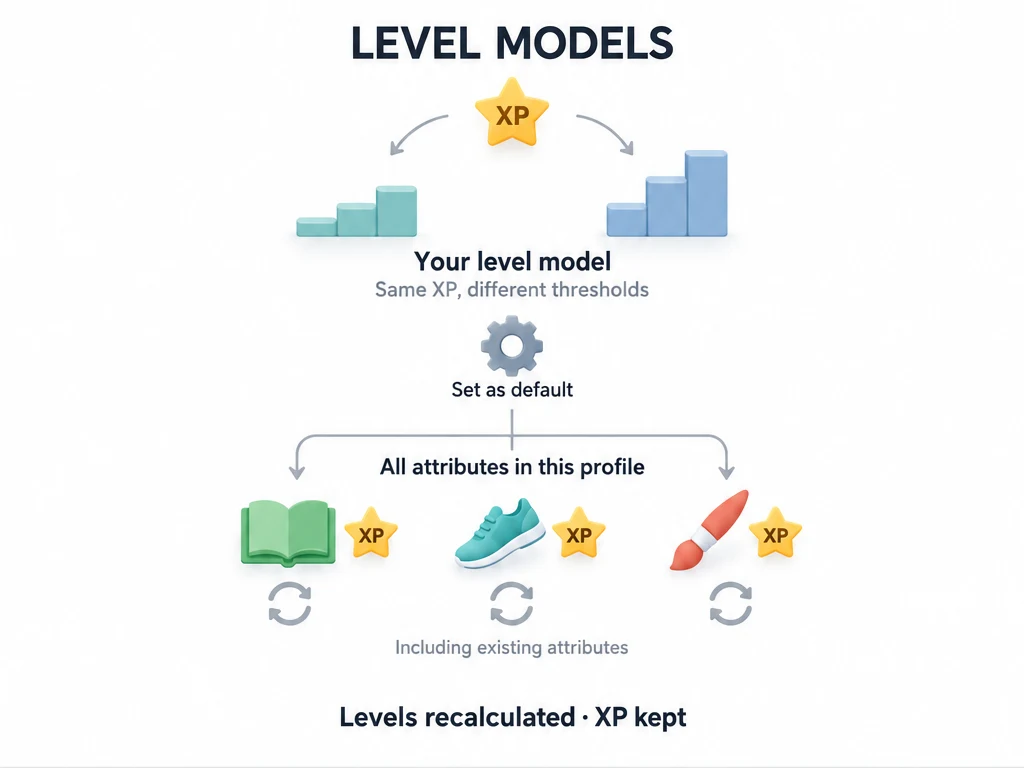
Saving a separate model adds it to the list. To use it, open its … menu and choose Set as Default.
This also switches existing attributes in the current profile to the new model. It is not limited to attributes you create afterward. Check the preview before applying it.
Check the result on Status
Return to Status and open an attribute. Its earned XP stays the same, but its level and progress toward the next level may change because the thresholds have changed. Task rewards stay as you configured them.
If the pace still feels wrong, return to the model's … → Edit menu and adjust it. Editing a model already in use changes how existing XP translates into levels. You do not need to reset experience to try a different curve.
To return to another model, choose Set as Default on that model. For the built-in models, Restore Initial Values overwrites the current level table with the original configuration. Export a backup first if you want to preserve a customized table. Deleting a model cannot be undone; the current default cannot be deleted.
Common questions
Why did my level fall even though I lost no XP?
A model with higher thresholds can put the same XP at a lower level. Check the XP total and the model you selected before changing any task rewards.
Why can't I save my curve?
Enter a name and check the range fields. The first range must start at level 1, ranges must continue without gaps or overlaps, and each range's end must not be below its start. Experience per level must be greater than 0; Increment per level cannot be negative. Follow any validation message shown in the editor.
Can I change rewards instead?
Yes. If one task feels under-rewarded, edit that task's rewards. Change the model when you want a different leveling pace for the profile. Reward templates help you reuse the same rewards across similar tasks.