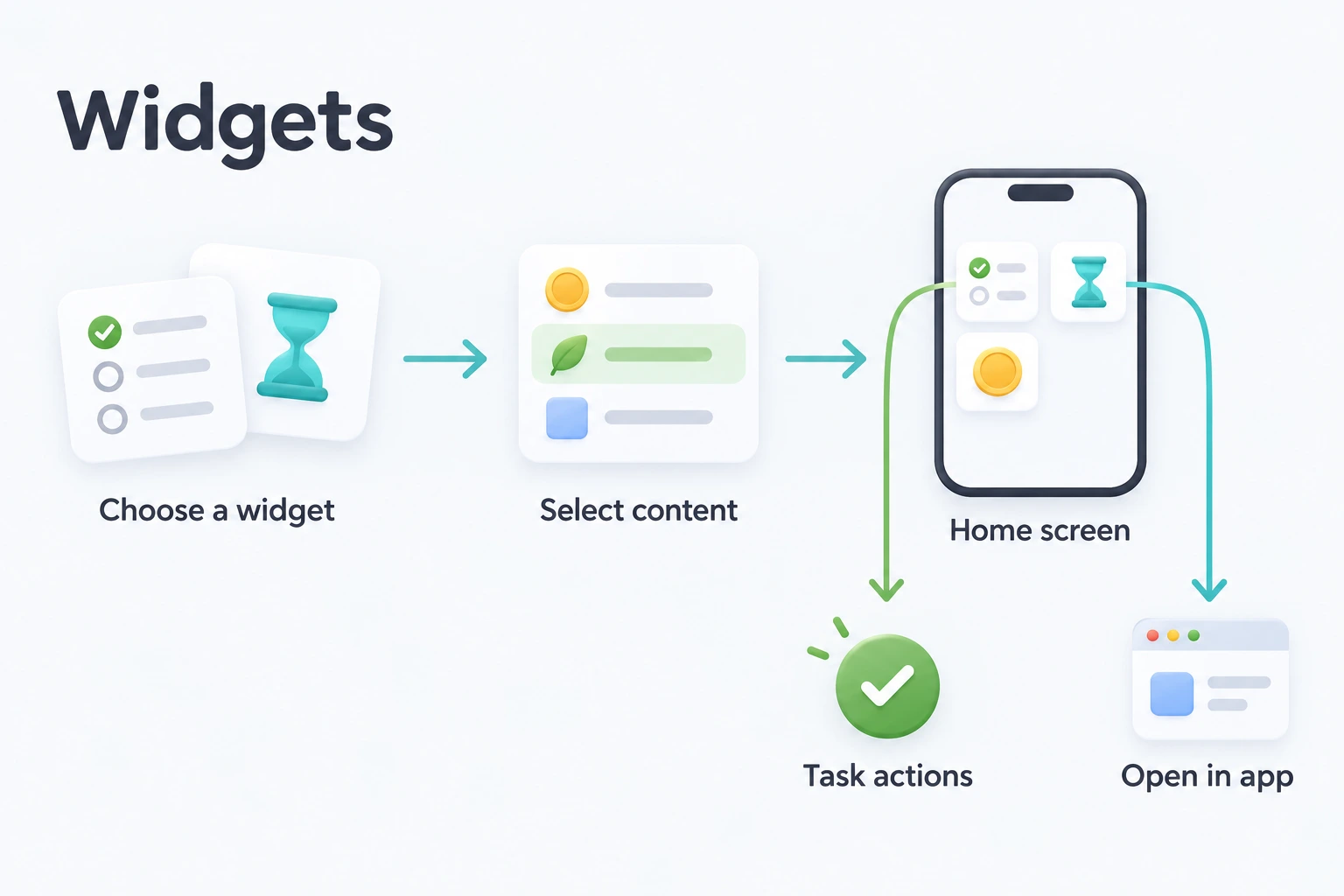
📱 Widgets
Quick access to your ulives data, right from your iOS or Android home screen.
Usage Scenarios
Focus shortcut: Place Focus Duration widgets for “Reading,” “Work,” and “Exercise.” Tap one to open Focus with that task selected, then start the timer.
List Switcher — Tasks List widgets let you jump directly to "Daily Tasks" or "Project Tasks" without navigating through the app.
Important Dates at a Glance — Countdown and Countdown List widgets keep key dates visible. Birthdays, exams, deadlines — never lose track.
Daily Inspiration — Random widgets (Random Achievement, Random Pending Task, Random Thought, Random Inventory) surface something unexpected each day — a forgotten milestone, an overlooked task, or a past reflection.
Streak Motivation — Task Streak widgets show your current streaks, giving you that extra push to keep the chain going.
One-Glance Overview — Statistics and Heatmap widgets show your progress without opening the app. See today's activity heatmap or your 7-day summary at a glance.
Widget Types
ulives offers widgets across these categories:
| Category | Widgets | What You'll See |
|---|---|---|
| Tasks | Tasks List, Task Status, Task Streak, Random Pending Task | Task lists, completion status, streaks, random pending tasks |
| Focus | Quick Access, Focus Duration | Open the focus page and view focus stats by period |
| Shop & Inventory | Shop Overview, Item Count, Recent Item | Shop browsing, inventory counts, recently acquired items |
| Achievements | Overview, List Progress, Countdown, Countdown List, Single, Upcoming, Random Unlocked | Achievement progress, countdowns, next goals, random throwbacks |
| Statistics | Statistics Overview, Heatmap | Today's stats or rolling 7-day summary, activity heatmap |
| Attributes | Attribute List, Single Attribute, Random Attribute, Attribute Radar | Attribute levels, random snapshots, radar chart comparison |
| Thoughts | Reflection Prompt, Random Reflection | Journaling prompts, random past reflections |
| Others | Random Inventory | A random item from your backpack |
Most widgets are available in small size, with selected ones also offering medium and large.
Android note: Some iOS widgets that share one configuration screen appear as separate entries on Android (for example Statistics Today vs 7-Day, shop list mode, achievement count). Android also includes Currency List and Focus Summary widgets.
🖥️ System Requirements
iOS
| Feature | Minimum Version |
|---|---|
| Home screen widgets | iOS 17.0+ |
| Complete tasks directly from widget | iOS 17.0+ |
| Focus Live Activity (Lock Screen / Dynamic Island) | iOS 17.0+ |
| Task Live Activity (Lock Screen) | iOS 17.0+ |
Android
| Feature | Requirement |
|---|---|
| Home screen widgets | Android 7.0+ (API 24) |
| Complete / adjust tasks from widget | Supported (no extra OS version beyond app minimum) |
| Focus Live Activity | Not available — Focus uses in-app overlay / notification on Android |
The current ulives widget extension, including Live Activities, requires iOS 17+.
How to Add a Widget
iOS
- From your home screen, long-press an empty area until the icons start jiggling
- Tap the "+" button (top-left or top-right, depending on iOS version), then search for ulives
- Browse available widgets, swipe to choose a size, then tap "Add Widget" and drag it into place
- (Optional) Long-press the placed widget and tap "Edit Widget" to configure which specific data it displays
You can also open Settings → Widgets inside ulives for a guided intro and preview.
Android
- From the launcher: Open your launcher’s widget picker — on many devices long-press an empty area on the home screen; on some launchers use a two-finger pinch gesture instead. Find ulives, choose a widget type and size, then place it. Types that support configuration may show a setup screen the first time you add them.
- From the app: Open Settings → Widgets, browse by category, and tap Add. When your launcher supports pinning (Android 8.0+), ulives sends a request to the home screen — a successful request only means it was sent and does not guarantee the widget is placed.
- Change settings later: On the home screen, long-press the widget and tap Reconfigure only if your launcher offers that option (not universal). In the app, go to Settings → Widgets → category → widget type — one instance opens configuration directly; several instances prompt you to pick which one to edit.
Interaction & Tips
Most widgets are read-only — they display your data but don't support editing. Tapping a widget launches the corresponding screen in the app:
| Widget | Tap Behavior |
|---|---|
| Tasks List | Opens the app to that specific task list — useful as a list switcher |
| Focus Duration | Opens the Focus page with the selected task pre-filled, ready to start |
| Countdown / Achievements | Opens the achievement detail page |
| Shop / Item Count | Opens the shop or item detail page |
| Statistics / Heatmap | Opens the statistics page |
| Attribute / Radar | Opens the status page |
Tasks List, Task Status, and Task Streak support in-widget task actions:
- iOS 17+: Complete a task directly from the widget. To prevent accidental operations, undoing a completion must be done within the app. Tapping the card itself opens the task detail page.
- Android: Complete, adjust counters, and undo directly from the widget when the action is available.
Live Activities (iOS only)
These are not home-screen widgets — they appear on the Lock Screen and (for Focus) the Dynamic Island:
- Focus Live Activity — live timer while focusing (iOS 17+)
- Task Live Activity — pin a task period to the Lock Screen; complete or adjust count from there (iOS 17+)
Android does not offer Live Activities. Focus on Android uses the in-app overlay and notification instead.
Achievement Countdown Widgets
Two countdown widget types are available:
- Achievement Countdown — shows the remaining days for a single achievement
- Countdown List — shows multiple countdowns from a list at once
Prerequisites:
- In ulives, go to the Achievements tab
- Create an Achievement List and set its Display Mode to "Countdown"
- Add achievements to the list — each achievement's target date becomes the countdown
To add: Follow the How to Add a Widget steps for your platform, search for the countdown widget you want, then configure it to select your list and achievements.
Both countdown widgets use achievements from a list with the Countdown display style. Creating or saving that style requires Premium Access; the widgets themselves are free. See Premium Access.
Item Count Widget
The Item Count widget not only shows your inventory count, but also lets you customize what happens when you tap it:
- Purchase mode — tapping opens the shop page to buy the item directly
- Use mode — tapping opens a dialog to use the item immediately
When editing the widget, switch the "Tap Action" setting to choose your preferred behavior. Handy for keeping frequently used consumables (coffee, energy potions) one tap away on your home screen.
Premium Access
All widgets are free to add and use. Some content they display has separate requirements in the app: for example, creating or saving a list in the Countdown style requires Premium Access. Both the single Achievement Countdown and Countdown List widgets select content from lists in that style.
You do not need Premium just to add a widget or view eligible existing content. ulives Premium is currently a lifetime purchase, not an expiring subscription.
Data & Refresh
Widgets update automatically after you make changes in the app on both platforms. Random widgets also refresh on their own to surface different content — roughly every 30–60 minutes, depending on platform and widget type.
| iOS | Android | |
|---|---|---|
| After in-app changes | Immediate via WidgetKit timeline reload | Immediate via Glance widget update |
| System background refresh | Typically every 15–60 minutes per widget type | 30 minutes minimum for OS-scheduled refresh on task-related widgets; others rely on app events and daily boundary refresh |
| Date rollover | Timeline refresh + app events | Scheduled refresh around local midnight |
Widget updates are best-effort when the app has not been opened recently — do not expect second-by-second changes without using the app.
Feedback
Have a suggestion for a new widget or found an issue? We'd love to hear from you:
- 📋 Feedback Form
- 📧 Email: fb@ulives.io