Attributes and levels
If you complete plenty of study tasks but rarely make time for exercise, attributes can help you notice that pattern. You assign experience (XP) rewards to the areas you want to develop. As you earn XP, the corresponding attribute gains levels on Status.
Those levels depend on the rewards you choose and the level model each attribute uses. They give you a way to review your own activity, not a score of your real-world ability.
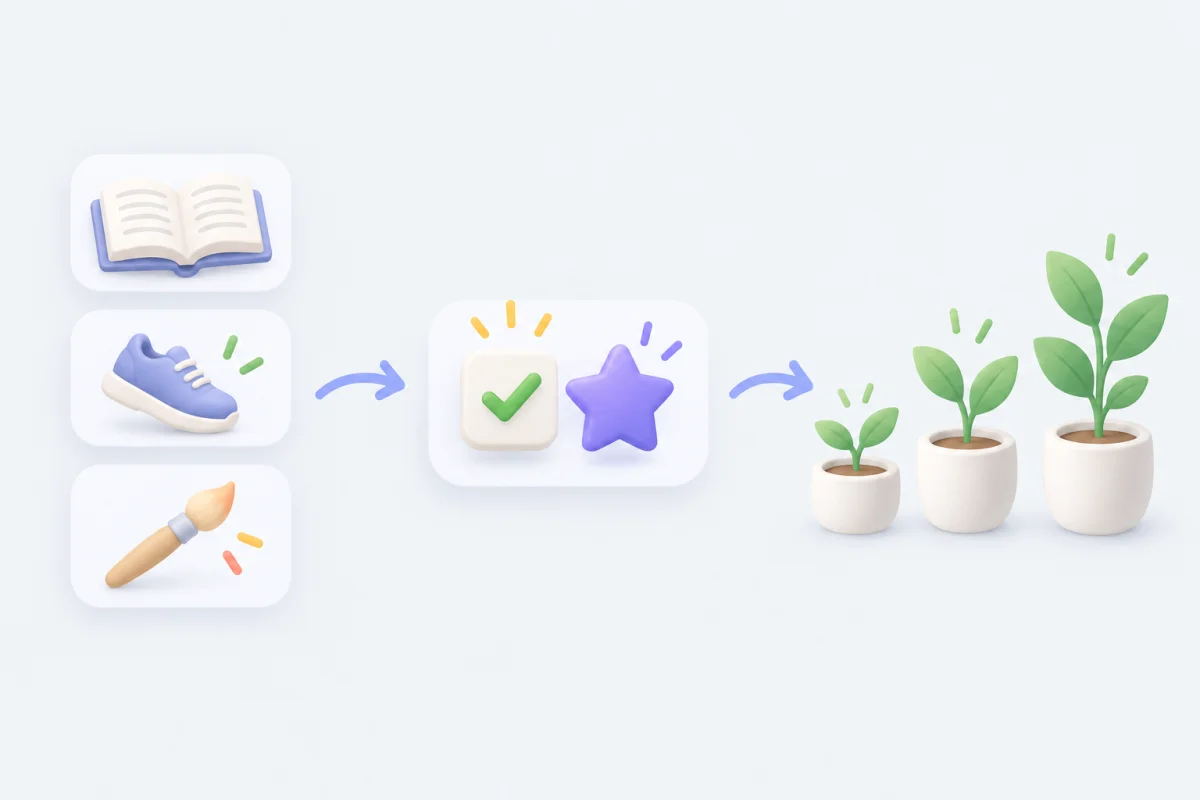
Give reading a Study XP reward
Suppose you want to track reading under an attribute called “Study.” Open Status → Attributes & skills → gear, or Settings → Attribute settings → Attribute Management. Use an existing attribute that fits, or create Study there. Attribute Management also lets you organize attributes into groups.
Edit your reading task and configure an XP reward for Study. Choose an amount that suits your own reward scale and save. When you complete the task, its configured XP goes to Study. Naming a task “Reading” alone does not assign that reward.
You can also configure XP through Focus, items, and achievements. Focus rewards follow the rules for work segments or stopwatch claims; Focus sessions explains those differences. If an attribute is not growing, check the reward on the task or other source first.
Choose a task for an area you want to work on
Open Status and look at Attributes & skills. Suppose Study has been growing, but an exercise attribute you use has barely moved. If exercise is something you want to spend more time on, add a manageable task such as “Walk 20 minutes” and assign XP to that attribute.
After using it for a while, check the same card again. A low level can mean you have done fewer activities in that area, but it can also mean you assigned smaller rewards or used a slower level model. You do not need to make every attribute equal; use the difference to decide whether your task plan matches what you want to do.
Tap an attribute card to see its level, XP progress, and Statistics. This lets you examine one area more closely before changing your tasks.
At the top of Status, Average Level is the mean of your attribute levels, Completed counts today’s completed tasks, and Currency shows the primary currency balance also used in the Shop. If Currency shows -- or an unexpected zero, check Settings → Shop settings → Primary currency.
Change how quickly levels rise
If the same amount of effort earns levels too quickly or slowly for your liking, open Settings → Attribute Settings → Level Model. You can use Standard, Fast, or Slow, or create your own XP curve. See Custom level models for a worked example.
Setting a model as the default also switches existing attributes in the current profile to that model. Your XP stays the same, but the displayed levels and progress can change. Editing a model already in use also changes how that XP translates into levels.
Reset experience
To start one attribute over, open its Edit screen, then Danger zone → Reset Experience. Its XP becomes 0, and this cannot be undone.
Settings → Delete data → Reset attribute experience resets all attributes in the active profile. Export a backup before resetting if you may want the old progress back. Restoring that backup replaces data for all profiles on the device, not just the attribute you reset; see Backup & restore.
Common questions
Why did my level change after editing a model?
The app applies the new level steps to the XP you already have. Check the model before interpreting the change as newly earned or lost XP.
Why did a Focus session give no XP?
Check that the selected Focus Task has XP rewards configured and that you finished or claimed the session as its mode requires. See Focus sessions.